Use WebWMS2U to handle workshop booking requests, service reminders, repair status updates, quotation follow-ups and customer FAQs through WhatsApp. Many car workshops, service centres and repair businesses already depend on WhatsApp, but messages can become hard to manage when enquiries, reminders, promotions and follow-ups all happen manually.
These are the practical issues that stop teams from responding quickly and consistently.
Customers ask repeatedly about service slots and prices
Vehicle status updates are sent manually
Service reminders are easy to forget
Quotation follow-up is inconsistent
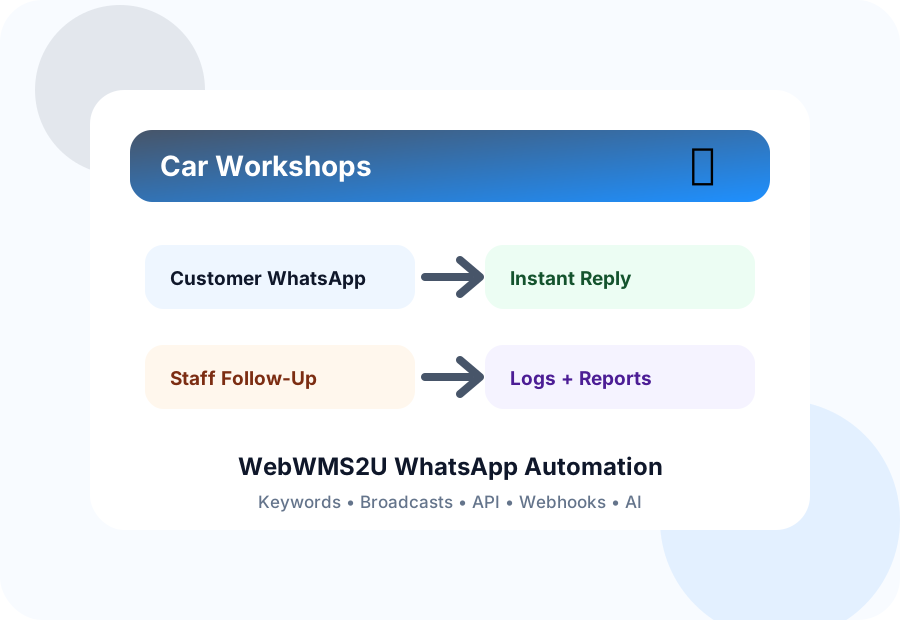
Start with your most common WhatsApp enquiries. WebWMS2U can reply instantly with keywords, send broadcasts to selected groups, keep logs, and connect selected actions to API or webhook workflows.
These features map directly to the way car workshops, service centres and repair businesses use WhatsApp every day.
Create instant first replies for common WhatsApp questions and route the rest to your team.
Send structured updates to selected contact groups instead of messaging customers one by one.
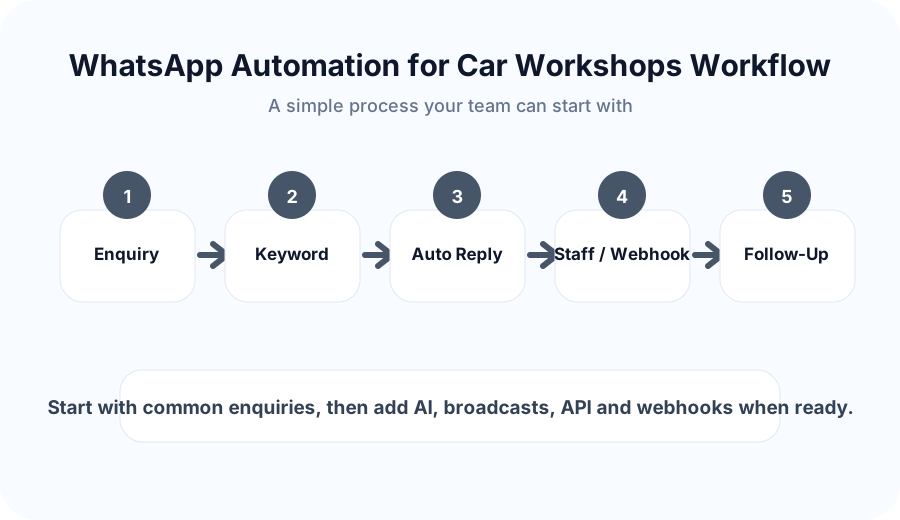
Use this workflow to make customer communication more consistent and easier for staff to manage.
Organize contacts by branch, interest, customer type or campaign for more relevant communication.
Keep clearer records of inbound and outbound messages for later checking and reporting.
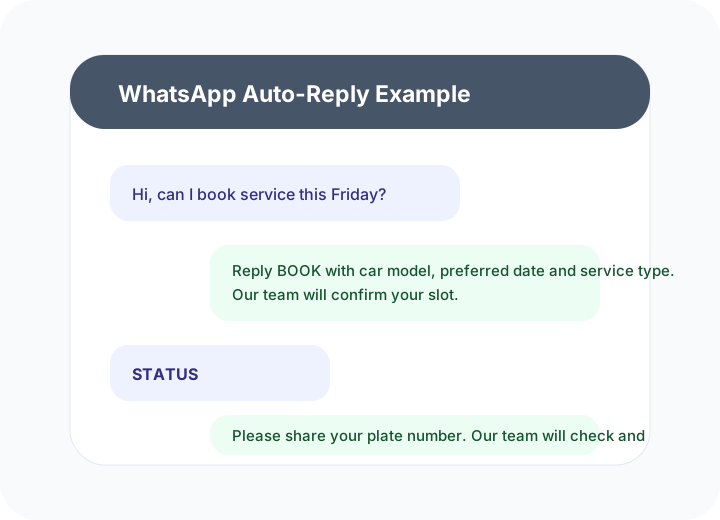
Use these sample flows as a starting point. Your actual replies can be customized based on your business policy, tone and approval process.
The goal is to create a more reliable WhatsApp communication process without making your team depend on manual replies for everything.
WebWMS2U supports WhatsApp automation, API access, webhook integration, keyword replies, logs, broadcasts and AI chatbot workflows. It is suitable for businesses that want a practical platform with Malaysia-based support.
| Need | How WebWMS2U Helps |
|---|---|
| Common customer questions | Keyword replies and approved templates |
| Follow-up and reminders | Broadcasts, message credits and logs |
| System integration | API keys and webhook support |
| Team visibility | Inbound and outbound message records |
Useful answers before setting up WhatsApp automation for your business.
Start a free trial and test keyword replies, broadcasts, logs, AI support, webhooks and API access using your real business workflow.
Start Free Trial