Built for law firms, legal practices and professional advisory teams

Organise Legal Enquiries and Client Follow-Ups on WhatsApp

WebWMS2U helps law firms manage WhatsApp enquiries, appointment requests, document reminders, client updates and internal routing. Law firms need responsive client communication while maintaining professionalism. WhatsApp enquiries often involve appointment requests, document checklists, matter updates and basic office information. Automation can help structure the first response without replacing legal advice.

14-day free trial Malaysia support API, webhooks & AI
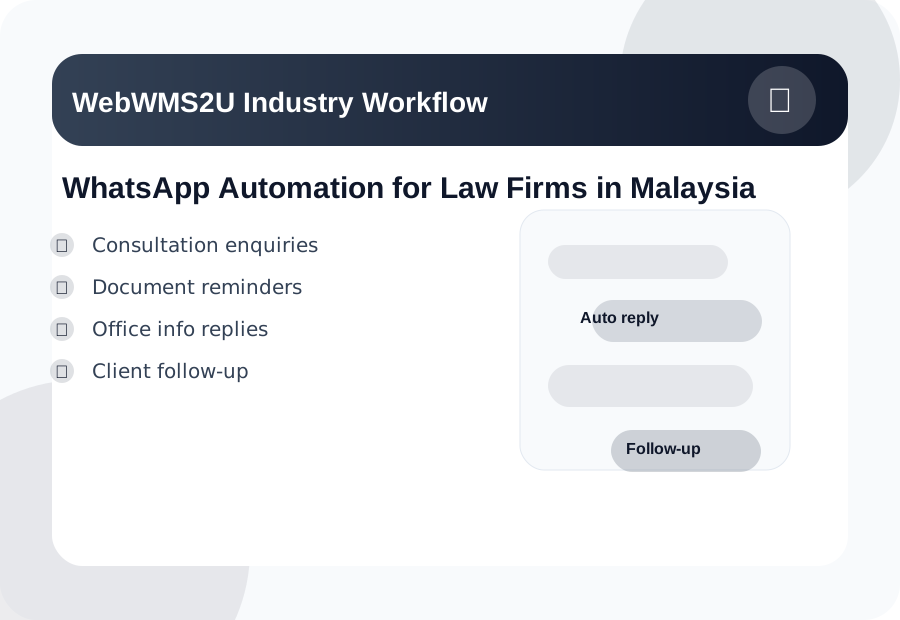
WhatsApp Automation for Law Firms in Malaysia workflow illustration
Industry Challenges

Why Law Firms Need Better WhatsApp Workflows

WhatsApp is already where customers talk to you. The opportunity is to make the first response faster, the follow-up more consistent, and the message history easier to manage.

Unstructured enquiries

Prospects may send incomplete information, making follow-up slower.

Repeated office questions

Opening hours, location and appointment process are asked frequently.

Document chasing takes time

Clients may need reminders to submit forms, IDs or supporting documents.

Professional tone matters

Replies should be clear, consistent and not appear careless.

How It Works

A Practical Automation Flow You Can Start With

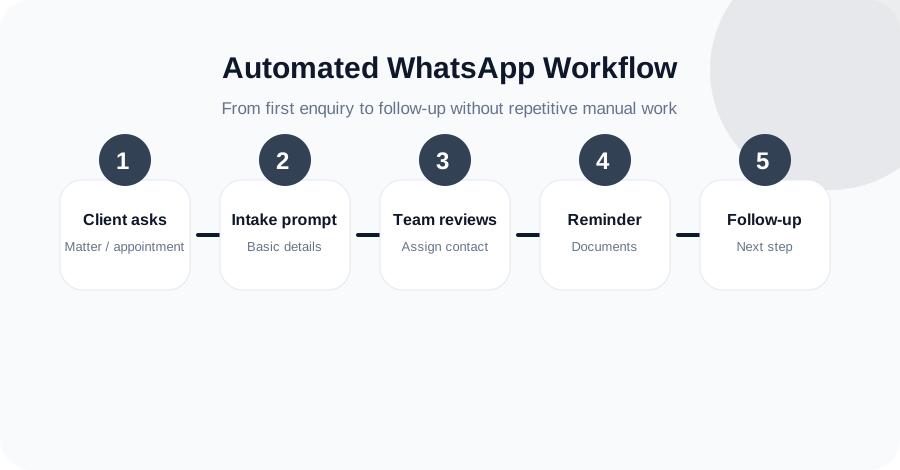
Start simple: identify the top five questions your customers ask on WhatsApp, create approved replies, and decide which messages should be handled by automation, staff, AI or webhook integration.

  • Use keywords to trigger approved replies.
  • Send follow-up messages and reminders from one dashboard.
  • Connect selected workflows to API or webhook endpoints.
  • Track message activity through logs and reporting.
WhatsApp Automation for Law Firms in Malaysia automation workflow
Features

Useful WebWMS2U Features for This Industry

These are not generic features. They map directly to the daily WhatsApp communication problems faced by law firms, legal practices and professional advisory teams.

Consultation intake prompts

Collect name, contact details and matter category before staff review.

Office information keywords

Reply to LOCATION, HOURS or APPOINTMENT with approved information.

Document checklist reminders

Send polite reminders for missing documents or next steps.

Matter update broadcasts

Send general updates to selected clients where appropriate.

Team routing

Forward enquiry details to the correct lawyer, clerk or department through your workflow.

Logs for review

Keep communication records in WebWMS2U message logs.

Sample Conversation

What an Automated WhatsApp Reply Can Look Like

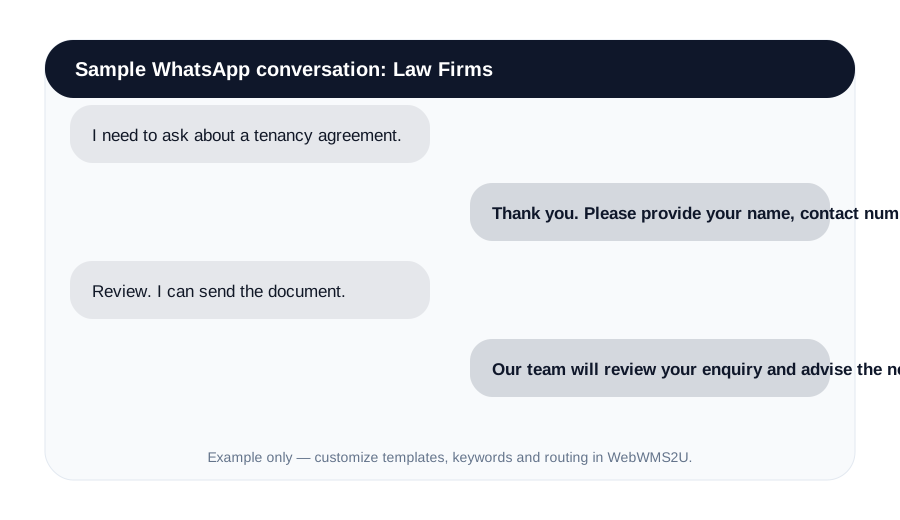
The exact wording should always match your business policy and tone. WebWMS2U gives you the structure to create consistent first replies, then lets your team take over when a human response is needed.

Consultation enquiriesDocument remindersOffice info repliesClient follow-up
I need to ask about a tenancy agreement.
Thank you. Please provide your name, contact number and whether you need review, drafting or advice.
Review. I can send the document.
Our team will review your enquiry and advise the next appointment step. Please avoid sending urgent legal matters without calling us directly.
Sample only. You can customize keywords, templates and routing.
Business Impact

What This Helps Improve

The biggest value is not just sending messages. It is making your communication process more reliable and measurable.

Fasterfirst replies to common enquiries
Cleanermessage logs and campaign tracking
Smarterfollow-up using keywords, AI and webhooks
Sample WhatsApp chat automation for WhatsApp Automation for Law Firms in Malaysia
Why WebWMS2U

Designed for Malaysian SMEs That Want Practical Automation

WebWMS2U supports WhatsApp automation, API access, webhook integration, keyword replies, logs, broadcasts and AI chatbot workflows. It is suitable for businesses that want a practical platform with Malaysia-based support.

NeedHow WebWMS2U Helps
Common customer questionsKeyword replies and approved templates
Follow-up and remindersBroadcasts, message credits and logs
System integrationAPI keys and webhook support
Team visibilityInbound and outbound message records
FAQ

Common Questions

Useful answers before setting up WhatsApp automation for your business.

No. Automation should only provide approved general information and intake prompts. Legal advice should come from qualified professionals.

Yes. It can ask for matter type, contact details and preferred appointment time.

Yes. You can remind clients about required documents or next administrative steps.

Yes. Conveyancing, corporate, family or litigation teams can use different keywords and workflows.

Yes. WebWMS2U provides logs for sent and received messages depending on your setup.
Get Started

Try WebWMS2U with Your Own WhatsApp Use Case

Start a free trial and test keyword replies, broadcasts, logs, AI support, webhooks and API access using your real business workflow.

Start Free Trial