Less retyping
Customers choose named or numbered items and quantities. Staff receive a structured summary instead of assembling an order from scattered chat messages.
Guide customers from your own menu to pickup or delivery orders, with merchant approval, DuitNow QR and clear order updates.
Customers already message you to ask what is available. Give them a guided route from your menu to a confirmed order, while your team keeps control of acceptance, payments and fulfilment.
Customers choose named or numbered items and quantities. Staff receive a structured summary instead of assembling an order from scattered chat messages.
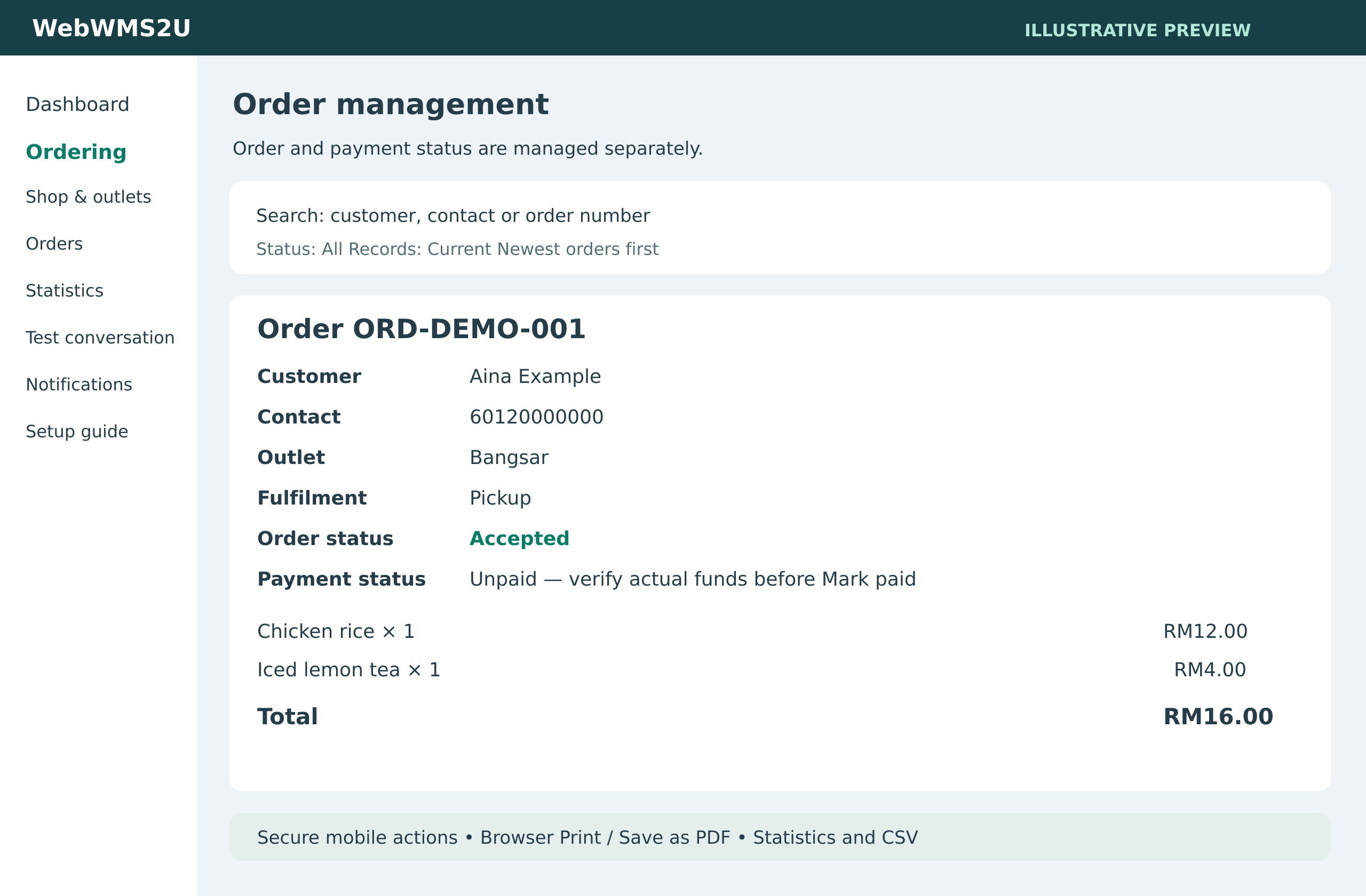
Outlet, contact, delivery details and payment status stay with the order, making it easier for staff to check what needs to happen next.
Share your WhatsApp number on your website, packaging or social pages. Your quoted Ordering subscription adds no percentage commission on order value; messaging and subscription charges still apply.
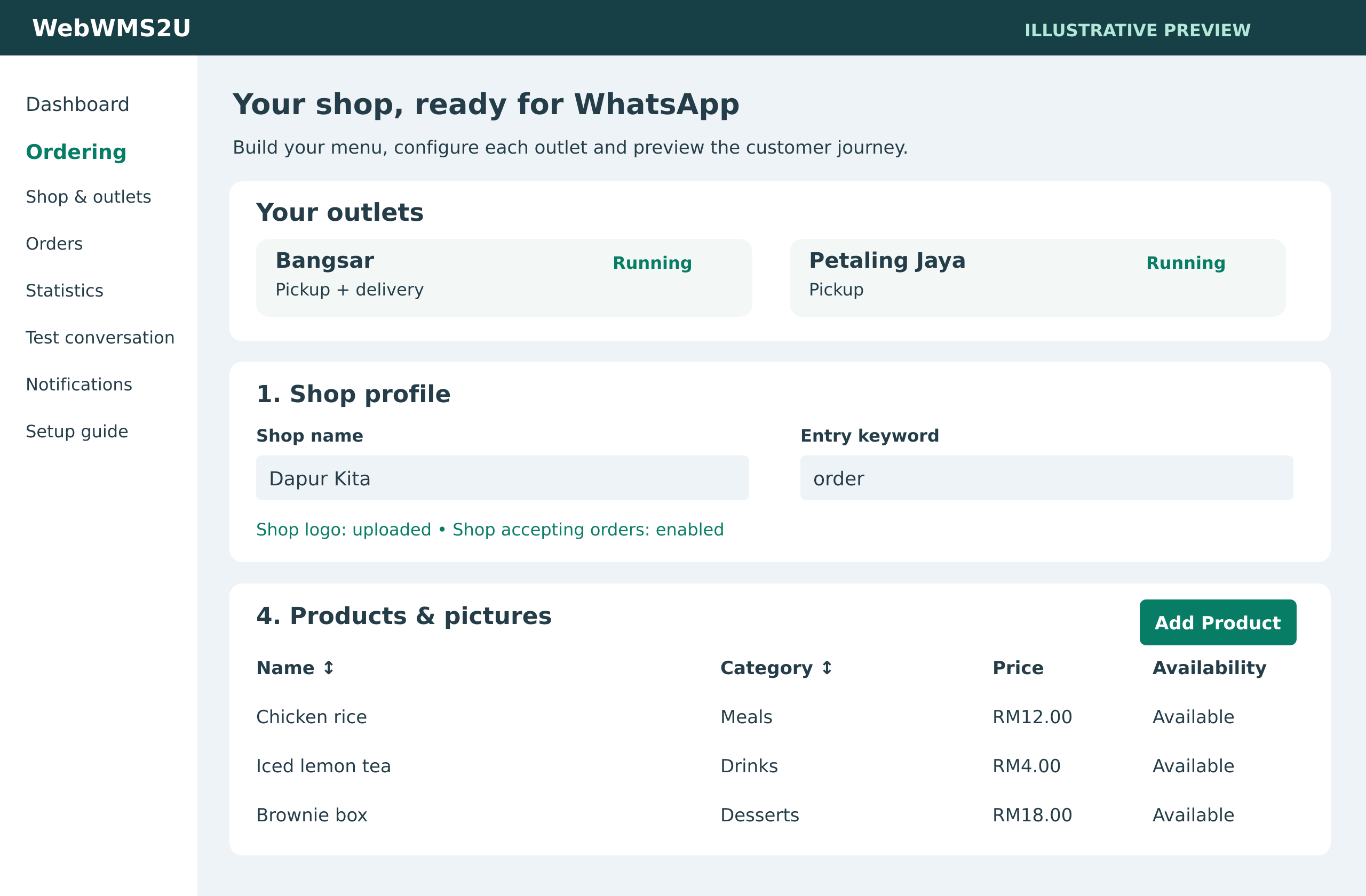
Organise categories, products, descriptions, prices, pictures, availability and optional extras. Keep each outlet’s menu different or share a common menu.
Collect the full name, reliable WhatsApp contact, pickup or delivery choice and delivery address when required. Keep all items in one outlet’s order.
Receive an email, WhatsApp alert or both. Review the order before accepting; decline or cancel with a reason and a customer update.
Offer Pay on pickup for pickup orders or your own static DuitNow QR. Request QR payment after acceptance and verify actual funds before preparing.
Track Pending, Accepted, Preparing, Ready for pickup, Out for delivery and Completed, with separate payment status and saved item and price details.
Search orders by customer, phone, reference and status. Print or save an order as PDF through your browser. Review statistics and download CSV reports.
Upload your business QR image for each outlet. The customer receives the payment request after acceptance and uploads a receipt through their private order link. Your team checks the bank account and marks payment verified. A receipt is evidence to review; it never automatically marks an order Paid.
QR orders cannot enter preparation until payment is verified. Pay on pickup is restricted to pickup orders. Delivery fees are configured per outlet; staff must check delivery suitability before acceptance. Refunds are handled manually by your business.
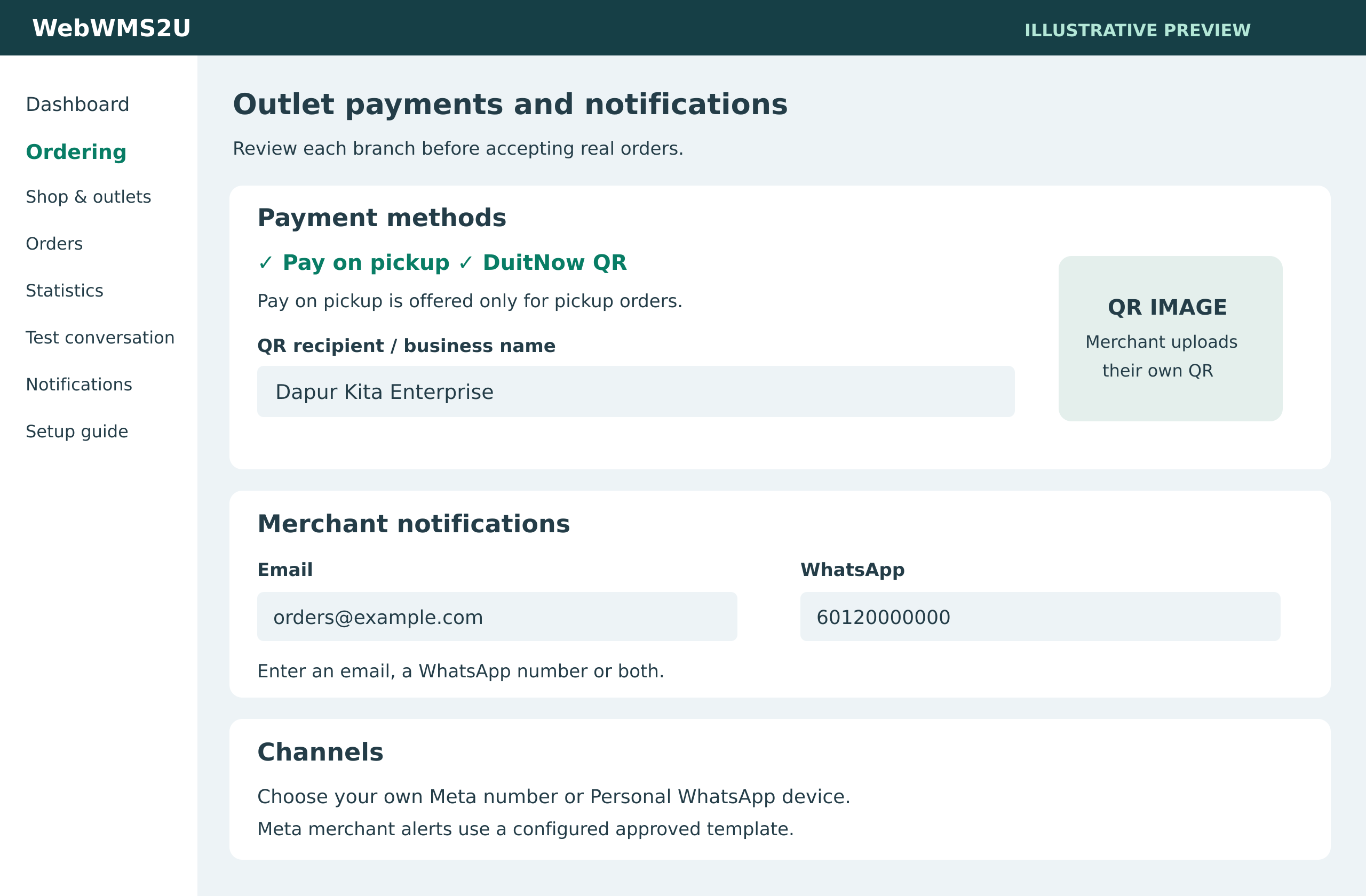
Send acceptance, payment-verification, preparation and fulfilment updates. Decline and cancellation messages include the reason and outlet contact instructions.
Use Meta or Personal WhatsApp. Meta alerts and customer updates outside the customer service window require configured approved templates.
Use your dashboard, a private mobile management link, or authorised WhatsApp commands from the configured merchant number. The merchant alert’s private link should stay with your staff.
Email alerts are free of Ordering message credits. WhatsApp alerts and replies consume platform credits.
Meals, drinks, bakery boxes and add-ons such as size or extra toppings. Each modifier selection follows the configured minimum and maximum choices.
Flowers, hampers, gift sets and other fixed-price items that customers can choose from a category and quantity. A merchant checks availability before accepting.
One shop profile per account, with several outlets. Duplicate a menu for independent editing or let branches share one catalogue. Additional outlets require an admin-managed allowance.
Choose the outlets, payment methods and notification recipients that suit your team. Before accepting live orders, we will help you plan a test of your customer journey, merchant alerts and payment process.
Customers browse using text categories and up to ten products per page, with NEXT, PREVIOUS and BACK. A product picture appears after selection, rather than sending every product image upfront. Automatic stock reservation, payment-gateway verification, delivery dispatch services, tax and discount rules, scheduled opening hours and automatic refunds are outside the current module. Booking is a separate activated module; POS integration is a later phase and compatibility will be assessed per POS.
Tell us your outlet count, catalogue size, preferred WhatsApp channel and expected order volume. We will help you assess the setup and confirm a quotation.
Contact us to arrange Ordering activation and setup. A platform trial does not automatically activate Ordering.