Give your team time back
Reduce repetitive questions about opening times and available appointments. A guided conversation collects the key details in a consistent format.
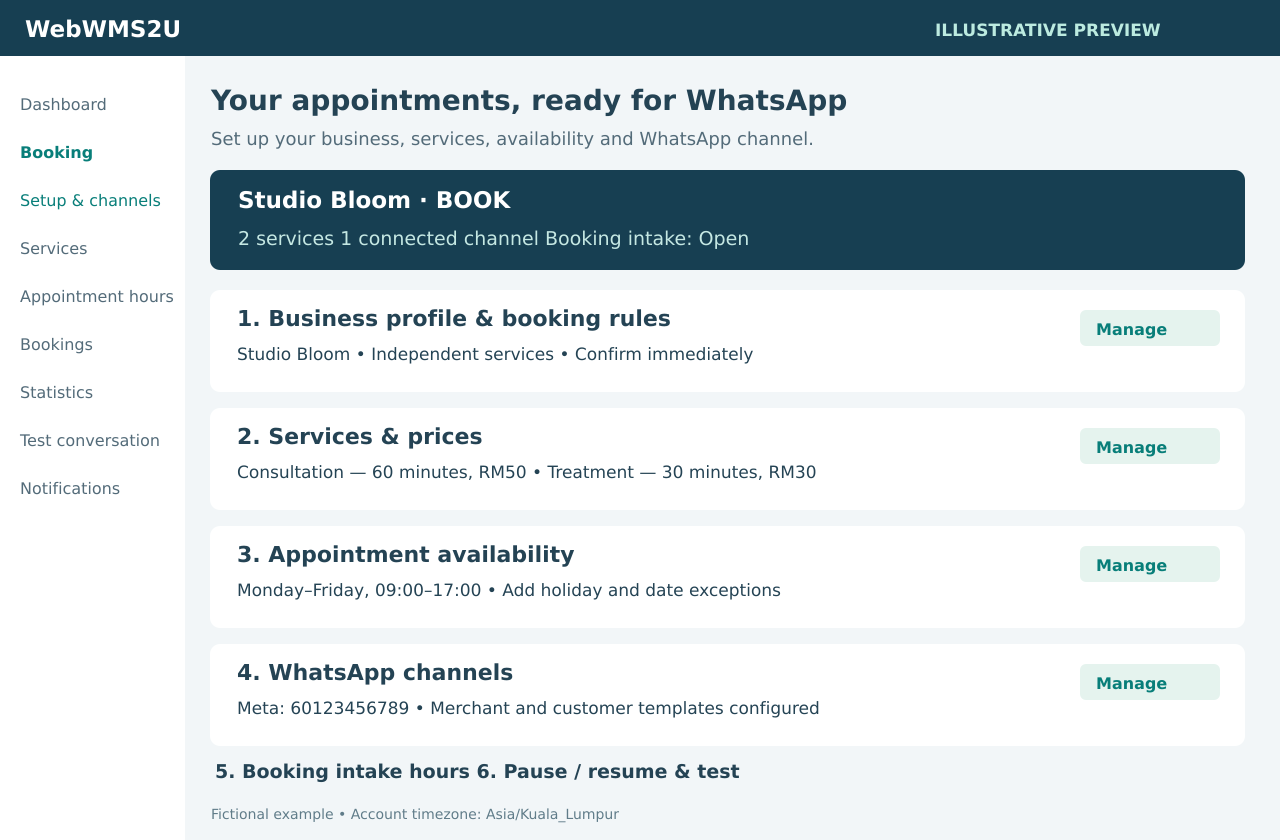
Give customers a guided way to reserve appointments, keep availability organised and send clear updates through your own WhatsApp channel.
Let customers choose a service, date and available time through WhatsApp. Your team receives a clear appointment record, while you stay in control of availability, confirmation and follow-up.
Reduce repetitive questions about opening times and available appointments. A guided conversation collects the key details in a consistent format.
Appointments are checked against their full duration before they are saved. Pending approval requests hold their slot until you confirm or cancel them.
Share your WhatsApp number on your website, social pages or QR materials. Customers can book without installing another appointment app.
Create services, appointment lengths and displayed prices. A one-hour consultation reserves a complete hour.
Use one shared calendar when one person handles everything. Choose independent services when different services can genuinely run at the same time.
Confirm available appointments immediately, or require your team to approve each request. Pending requests remain clearly marked.
Define appointment periods and date exceptions. Separately control booking intake hours or pause new requests until a chosen time.
Send merchant alerts, customer updates and optional appointment reminders. Email alerts are available; WhatsApp messages use platform credits.
Correct names and contact numbers, reschedule appointments, record cancellations and archive old completed records. Changes retain an audit history.
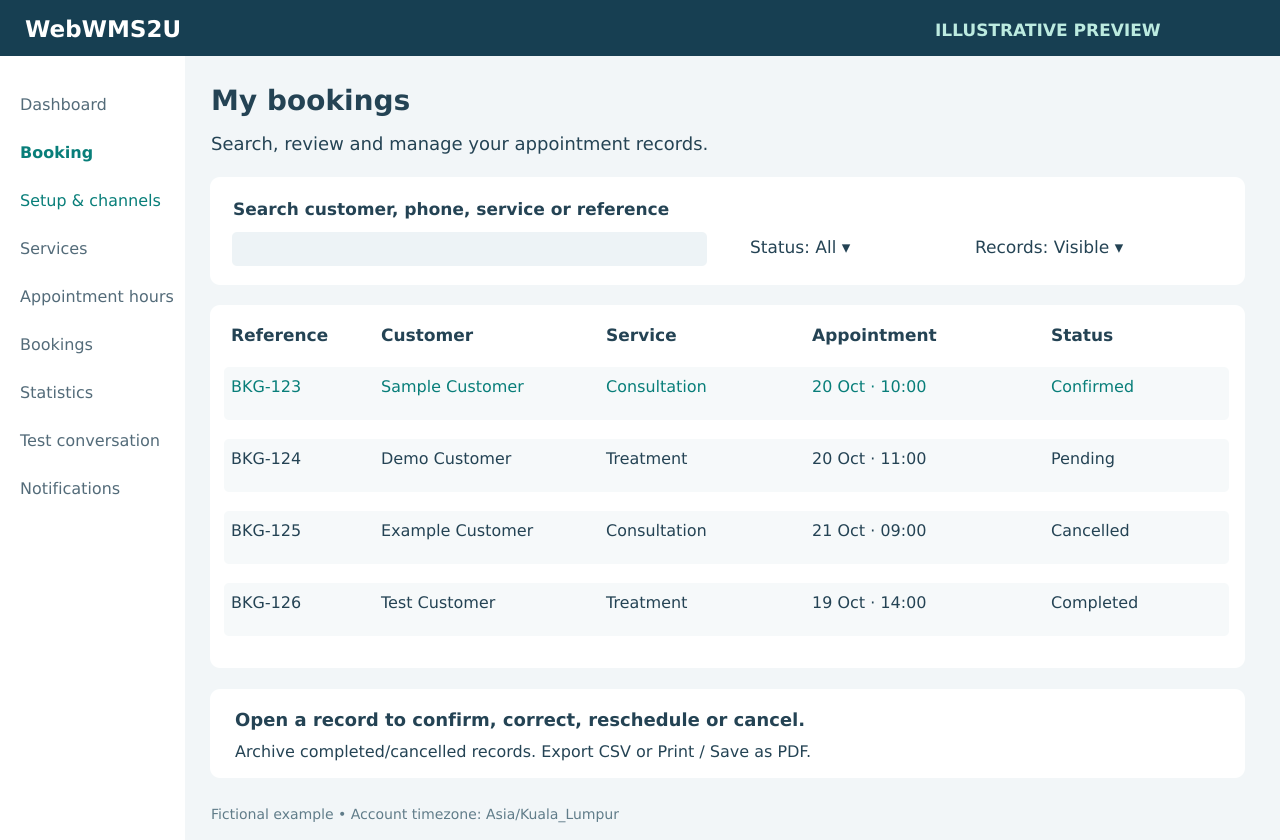
Review 7-day, calendar-month and calendar-year reports. See confirmed, pending, cancelled and completed appointments.
Archive completed or cancelled records and restore them later. Archived appointments remain in reports. Export CSV or use your browser to Print / Save as PDF.
Use your connected Personal WhatsApp device for generated conversation replies and booking notifications. No Meta-approved message templates are needed on this channel.
Use your own Meta number. Conversation replies use the customer service window; merchant alerts and customer updates outside that window use approved templates. Guided creation links prefill the correct local drafts.
Both channels use the same booking availability rules. Applicable Meta charges are separate from your WebWMS2U subscription and platform credits.
This version supports one account-wide booking setup, with independent service calendars or one shared calendar. It does not assign appointments to named staff, calculate multi-staff capacity or allocate multiple locations. Tell us about those needs before selecting your package.
Appointment payments and deposits are not collected by the current Booking module. You can continue using your usual payment method; payment collection and automated verification are separate requirements.
Tell us your service types, calendar capacity, preferred WhatsApp channel and expected appointment volume. We will help you assess the setup and confirm a quotation.
Contact us to arrange Booking activation and setup. A platform trial does not automatically activate Booking.