Map the people
Match device person IDs to access users and confirm the relevant branch.
Entry devices · Attendance notifications
Keep parents, nominated contacts and branch teams informed when a supported reader records an attendance event.
EntryLuma service · WebWMS2U WhatsApp delivery · Compatibility checked per setup
 Connected service from XGEN Technologies Sdn Bhd
Attendance devices can record an arrival without telling anyone who is waiting for that information. EntryLuma connects a supported reader to cloud attendance records and configured WhatsApp or email updates.
For a tuition centre, this can notify a nominated parent when a student checks in. For an office, it can provide staff attendance updates to branch recipients. Event types and photo availability depend on the device and setup.
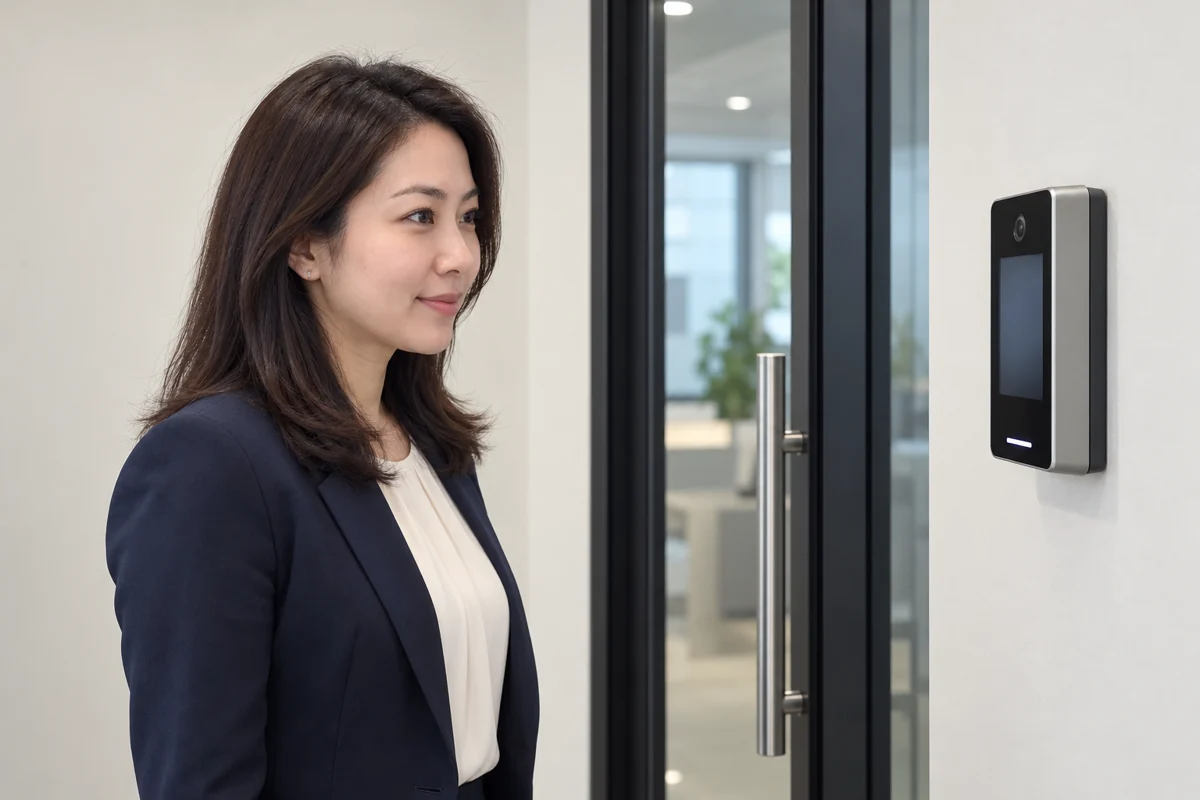
Supported access methods vary by reader model and firmware. The reader performs its own authentication; the connector reads the resulting event. EntryLuma matches the device person ID to the configured access user before eligible notifications are created.
Share your model to confirm compatibility. Do not assume every biometric or door-access system exposes the same event interface.
See the branching processing flowchart or read EntryLuma’s entry-device setup guide.
The available layouts progress from Text Only to Logo + Text, Picture + Text and Logo + Picture + Text. The actual output depends on the channel, template, reader photo support and capture settings. Cloud API template requirements apply; an attendance photo cannot simply be added to a text-only template.
Match device person IDs to access users and confirm the relevant branch.
Set nominated contacts, branch recipients and enabled event types.
Run a successful scan and check both the attendance record and the final notification.
Potentially. Compatibility must be assessed using the exact model, firmware and available event interface.
The CCTV service checks presence in selected zones. Use a supported entry reader for mapped person-level attendance events.
Yes. Email can be configured independently. A WebWMS2U subscription is needed for the WhatsApp route, not an email-only setup.
Looking for CCTV alerts instead? · See more entry-device use cases
Share your reader or camera model, branch count and who should receive the notifications.